
1. Open PicsArt and press (➕) icon.

2. Choose a photo for removing background.

3. Click on Cutout ✂️.
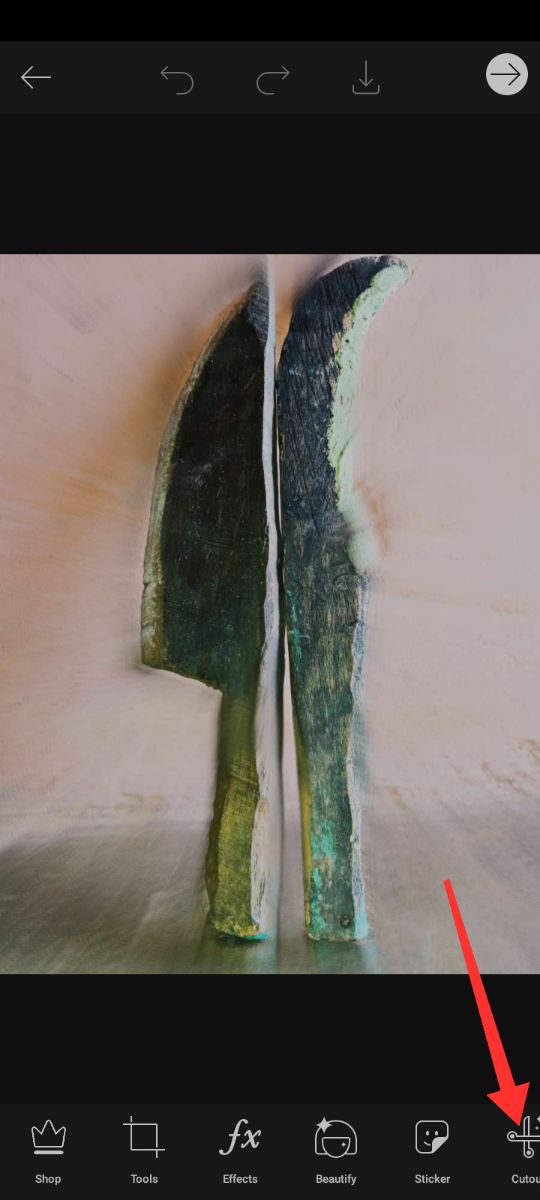
4. Select on outline and brush 🖌 the subject which you want.

5. After complete click in save option.

6. Select or create a new layer and add a background.

7. Choose a background photo and click on tick (✔️) option.

8. And make edit whatever you like 😜😜😜.
9. You can erase or add photo.
10. And click on tick (✔️) option.

11. Now, finally save it on your device...
